
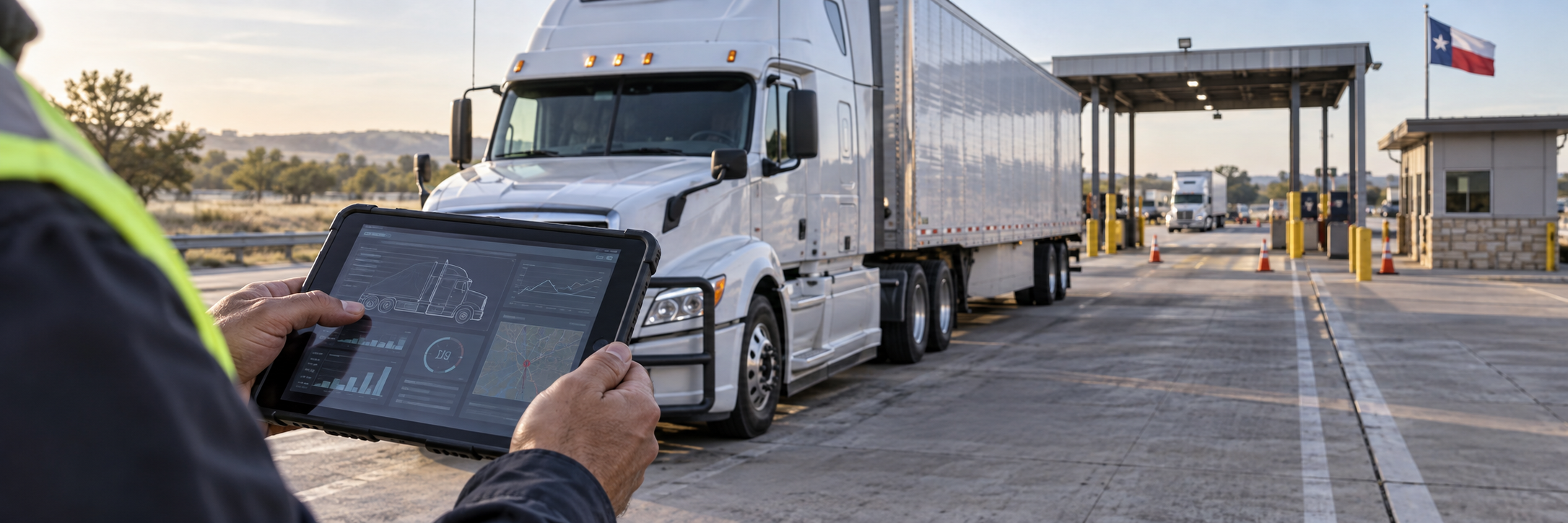
Direct answer: After a Texas truck crash, identify each electronic system that may show how the collision happened, what the driver and carrier knew, and what the equipment recorded. Preserve the relevant ELD records, engine-control data, telematics, video, device communications, dispatch entries, and maintenance records by naming the source, date range, custodian, and usable production format. “All electronic evidence” may not tell a carrier or vendor which system to stop overwriting.
Start with the collision question
Electronic data matters when it can help test a concrete issue: speed or braking before impact, a driver’s hours and route, a warning or dispatch message, a vehicle defect, or the sequence after the crash. Work backward from that question. Identify the person or company responsible for the relevant safety function, the device or platform that recorded it, and the witness who can explain the record.
A truck operation may spread information across the driver, motor carrier, vehicle owner, maintenance provider, telematics vendor, shipper, broker, and customer. One company may use an app while a vendor hosts the underlying data. A preservation plan should account for each holder that may control a relevant source.
Which records may matter?
ELD and hours-of-service records
Electronic logging device records can show a driver’s duty-status entries and edits, supporting documents, and associated account or transfer information. Ask for the relevant driver, vehicle, dates, original export, edit history, and available system explanation. Do not assume every commercial vehicle or trip is subject to an ELD requirement: 49 C.F.R. § 395.8 contains exceptions, including certain limited-use and older-vehicle situations.
For covered carriers, § 395.8(k)(1) requires retention of records of duty status and required supporting documents for at least six months from receipt. Section 395.22(i) separately requires a six-month backup copy of ELD records on a device separate from the original storage and requires protection of driver privacy. Those periods concern ELD records; they do not establish a single retention period for every camera, phone, telematics platform, or maintenance system.
Engine and event data
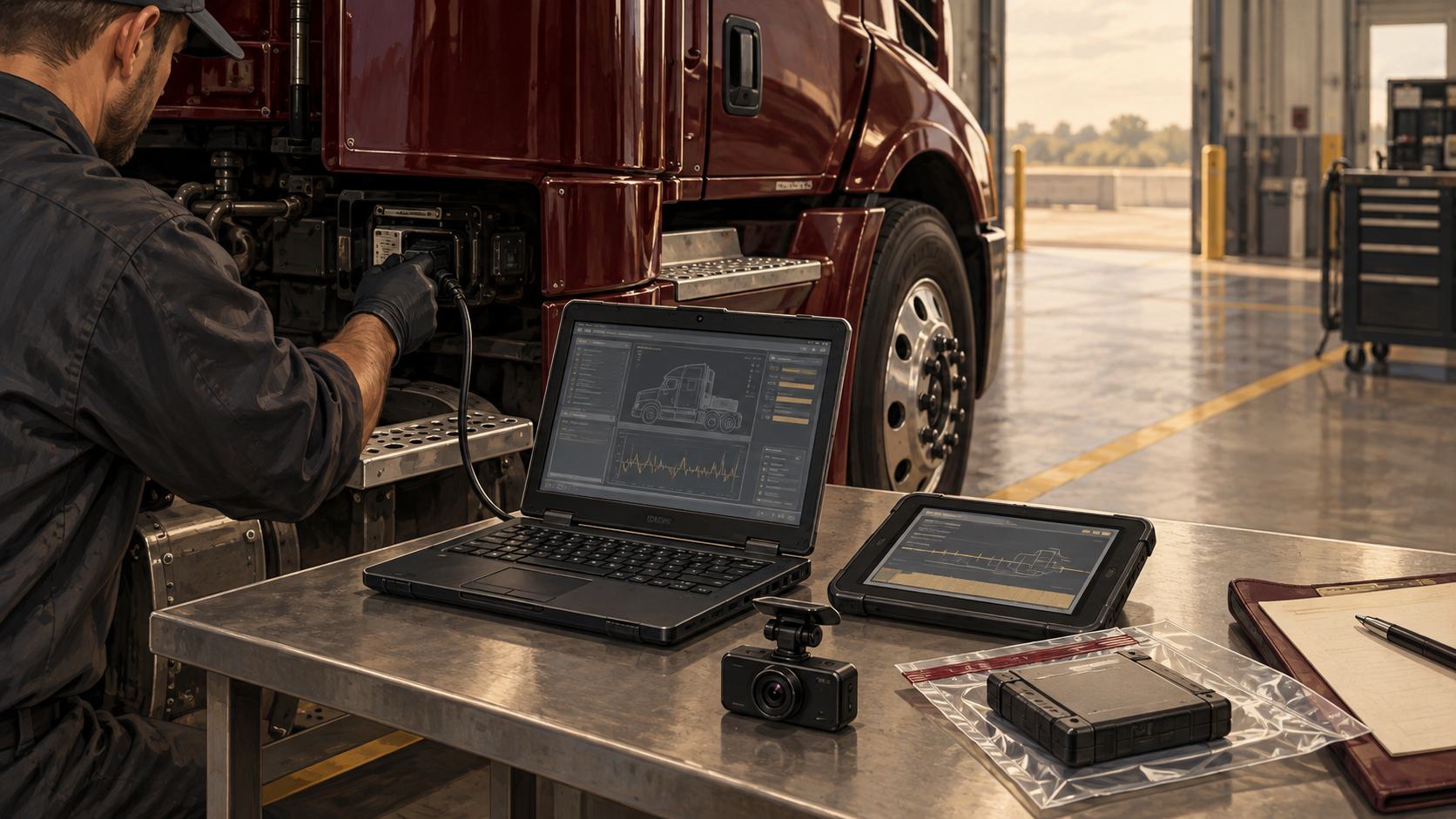
Electronic control modules and other vehicle systems may retain operational information such as speed, braking, throttle, or fault events, depending on the truck and equipment. First identify the tractor, engine, module, and any other component that may hold relevant data. Then ask who can download it, what tool or procedure is needed, whether the data can be overwritten or changed by repairs or continued use, and what the export includes.
Preserve the vehicle and module in a way that avoids unnecessary alteration. If a download or inspection is proposed, agree on who will perform it, the steps and equipment to be used, how the result will be copied, and how both sides can observe or document the process. The type and amount of data vary by make, model, configuration, and system; do not promise that a particular field exists until it is confirmed.
Telematics, GPS, dispatch, and route data
Fleet platforms may record location, route, geofences, stops, messages, arrival estimates, alerts, or vehicle status. Dispatch systems may preserve instructions, schedule changes, customer communications, and acknowledgments. A useful request identifies the platform and data fields, relevant vehicles and accounts, a focused time window before and after the collision, the company and vendor custodians, and the requested export format.
Time settings can complicate comparison. Ask whether a timestamp uses local time, terminal time, UTC, or a device clock; whether the clock was synchronized; and whether the export normalizes time. Compare records against known events rather than assuming two systems’ timestamps align.
Forward-facing and cab video
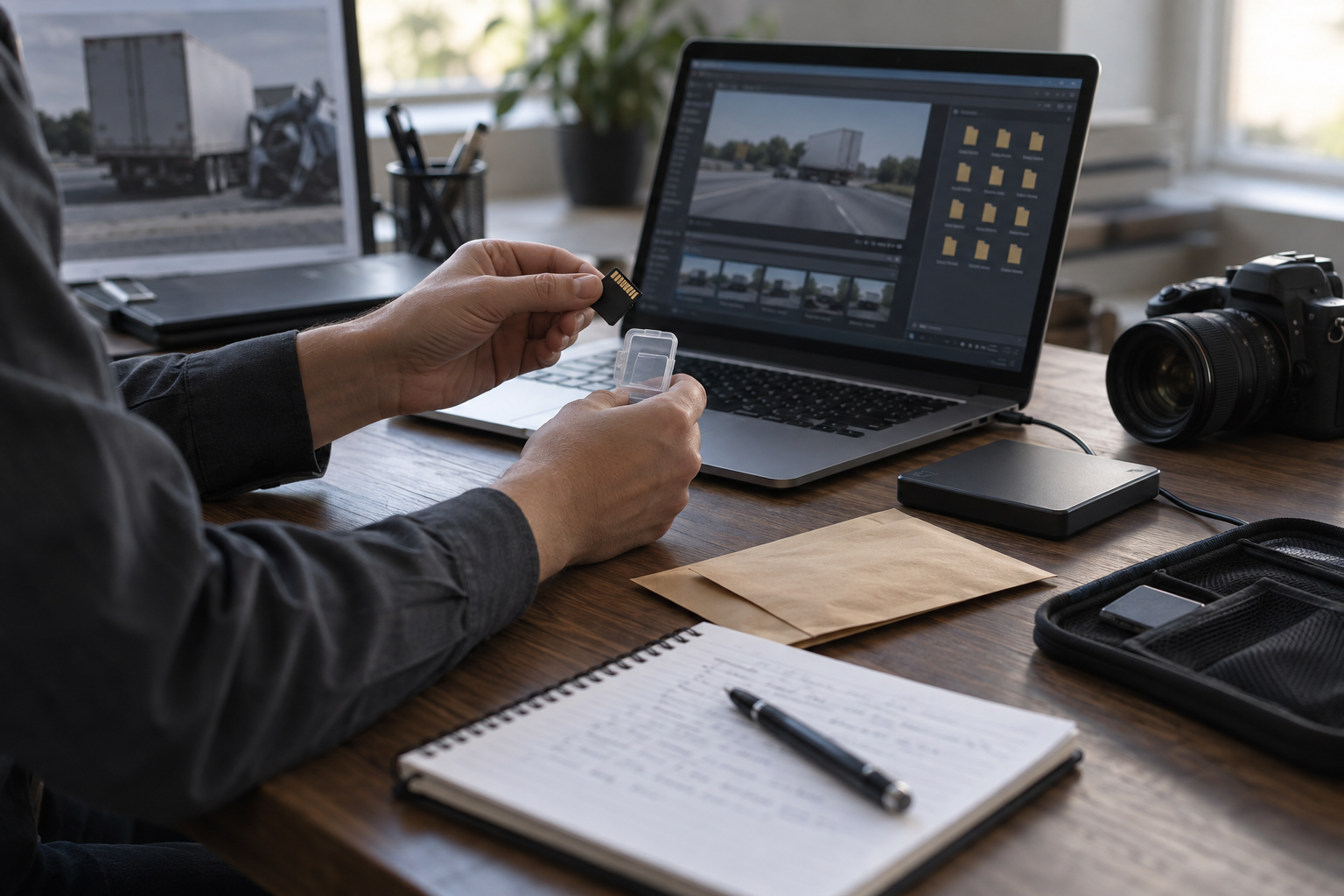
Identify every camera that may have recorded the truck or relevant event, including forward-facing, cab-facing, side, rear, trailer, and nearby vehicle cameras where the facts support them. Ask about activation triggers, recording duration, loop or overwrite settings, event markers, audio, cloud upload, retention, and who can retrieve the files. Request the segment needed to show the approach, collision, and immediate aftermath, not only a short clip of impact.
Preserve the native recording when available, along with player software or export instructions, metadata, and any log showing when a clip was created, viewed, tagged, copied, or deleted. A screen recording or PDF may help with quick review but can leave out frames, audio, timestamps, or context. Whether a copy is enough depends on the disputed question.
Phones, messaging, and other applications
Relevant communications may include calls, texts, dispatch apps, navigation, safety alerts, or messages among the driver, carrier, customer, and vendor. Define the people, accounts, subjects, and short time window connected to the collision. Phone contents raise privacy and access concerns; use a process tailored to the issue and applicable law rather than requesting unrestricted access to a personal device.
Maintenance, inspection, and diagnostic platforms
Maintenance records can include inspection forms, defect reports, repair orders, work performed, parts, diagnostic codes, and out-of-service decisions. Preserve the native entries and any revision history, attachments, vehicle identifiers, and shop or vendor records. If a defect is alleged, connect each requested record to the component, symptom, inspection, repair, or return-to-service decision at issue.
Make the preservation request specific
A preservation notice should identify the collision, date and location, vehicles and trailers, driver, relevant trip or shipment, and the electronic sources to preserve. Name likely systems and categories instead of relying on a catch-all phrase. Ask the recipient to suspend routine deletion for those sources and to identify any outside vendor that hosts or controls them.
Preserve a copy of the notice and any response. Follow up to learn what was actually retained: which source, who collected it, when, by what method, in what format, whether edits or gaps exist, and whether another copy or backup was made. A statement that a company has “the video” does not establish which camera, time span, or version it means.
In a lawsuit, Texas Rule of Civil Procedure 196.4 requires a request for electronic or magnetic data to specifically request that form and to specify the form of production sought. The rule addresses data reasonably available in the responding party’s ordinary course and requires a compliant objection if reasonable efforts cannot retrieve or produce the information as requested. If the court orders production requiring extraordinary steps to retrieve and produce the data, it must also order the requesting party to pay the reasonable expenses of those steps. Shape the request around the collision issue and the system’s actual capabilities.
Connect the file to a witness and a claim
For each source, learn who created the record, what event triggered it, how the system captures and changes information, how long it retains data, who can access it, and how a copy was made. A driver may explain an entry; a safety manager may explain carrier policy and edits; a vendor witness may be needed to explain a platform export. The right witness depends on the record and the purpose for which it will be offered.
Under Texas Rule of Evidence 901, the proponent must offer evidence sufficient to support a finding that an item is what the proponent claims. Rule 1001(d) treats an accurate readable output of electronically stored information as an original. That does not make every export self-authenticating or resolve hearsay, completeness, relevance, or other objections. Keep the export method, system context, metadata, and knowledgeable witness in view.
Texas spoliation law is also fact-specific. In Brookshire Brothers, Ltd. v. Aldridge, 438 S.W.3d 9 (Tex. 2014), the Supreme Court of Texas described a two-step process: the trial court determines whether spoliation occurred and then selects a proportionate remedy. A jury instruction is a severe remedy, generally requiring a finding that the party acted with the specific intent to conceal discoverable evidence and that a lesser remedy would not cure the prejudice; a narrow exception applies when negligent loss irreparably deprives a party of a meaningful ability to present its claim or defense. The practical lesson is to document what should be preserved and what actually happened, not to assume that a missing file proves a case.
When a company says the data is unavailable
A system may not have recorded the event, may have overwritten the data before a preservation request, or may depend on a vendor’s platform. It may also be possible to retrieve a backup or reconstruct part of the timeline from another source. Ask what retention rule and system configuration applied on the relevant date, when the data disappeared, who knew about the collision or claim, what steps anyone took to preserve it, and what alternate records remain.
A request can also be too broad. “All electronic evidence” across every driver, customer, device, and year can draw a burden or proportionality objection without isolating the important records. Narrow by issue, person, vehicle, system, date range, and data type. Texas discovery rules permit limits where discovery is cumulative, available from a more convenient source, or disproportionate to the needs of the case. A focused request is easier to answer and easier to evaluate.
Questions to ask about a production
- Which system, device, account, and vehicle produced this record?
- What date range and time standard does the file cover?
- Is this a native export, a report, or a screenshot? What information may not appear in this copy?
- Can a user edit or annotate the record, and does the system preserve an audit trail?
- Was the record copied before repair, replacement, routine overwrite, or a change to the system?
- Which vendor, employee, or company can explain the system and the export?
- What related source could confirm or contradict the record?
Discovery and deposition strategy
Use interrogatories to identify the entities, custodians, vendors, devices, accounts, repositories, and people responsible for the safety function at issue. Use requests for production to obtain the core records and system documentation. Reserve requests for admission for propositions that can fairly be admitted or denied.
Depose the fact witness with personal knowledge, the corporate designee who prepared on the organization’s knowledge, and a vendor or forensic witness when system operation cannot otherwise be established. The appropriate witnesses depend on the record and the issue being examined.
Build deposition exhibits around the chronology. Ask who created each record, what event generated it, whether it can be edited, how edits appear, what time standard it uses, how long it is retained, what the company did in response, and whether the production is complete. For a corporate witness, identify the preparation sources and the people consulted. Distinguish a witness’s lack of personal knowledge from whether the company has information.
Chapter 72 and the purpose of corporate proof
Chapter 72 may affect trial sequence and admissibility. Identify the phase of trial and the permitted purpose for each category of corporate proof instead of assuming that all such proof is excluded. The applicable treatment depends on the claim, evidence, and procedural posture.
Related reading
- Advanced Texas Truck Accident Litigation Knowledge Hub
- Advanced Texas Truck Accident Litigation Guide
- Who Can Be Held Liable for a Commercial Truck Accident in Texas?
This article provides general information about Texas law and evidence preservation. It is not legal advice for a particular case. Preservation duties, applicable regulations, and admissibility depend on the facts and the systems involved. Consult a Texas attorney about a specific collision.